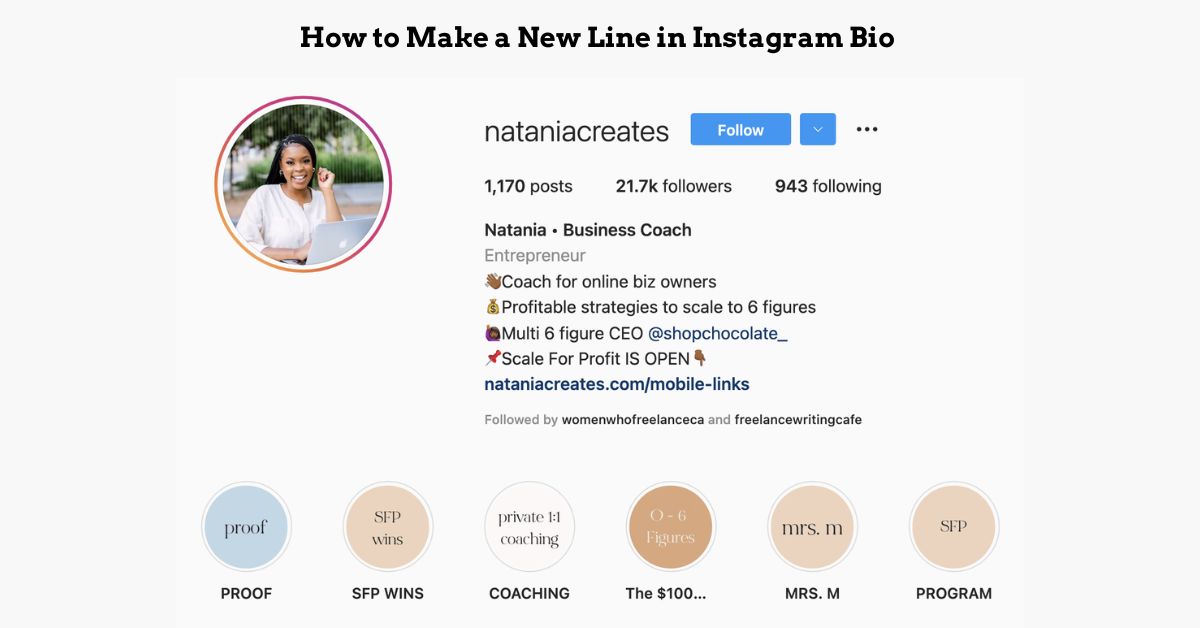
Creating line breaks in your Instagram bio can feel like solving a digital puzzle. You type your perfectly formatted bio, hit save, and watch in frustration as Instagram compresses everything into an unreadable block of text.
This comprehensive guide reveals proven methods to add new lines to your Instagram bio and maintain professional formatting that captures attention within those crucial 150 characters.
More Post: How to Make a Great Instagram Bio With Creative Bio Ideas
Proven Methods to Create New Lines in Instagram Bio
The Notes App Technique (iOS & Android)
The Notes app method remains the most reliable approach for creating Instagram bio line breaks across all devices. This technique leverages the fact that when you copy formatted text from external applications, Instagram preserves the line structure more effectively than when typing directly in the platform.
For iPhone users, open the Notes app and type your bio exactly as you want it to appear, pressing enter where you need line breaks. Include all emojis, spacing, and formatting elements. Once satisfied with the layout, select all text and copy it. Navigate to Instagram, access your profile settings, and paste the formatted text directly into the bio field.
Android users can achieve identical results using Google Keep, Samsung Notes, or any default note-taking application on their device.
The success rate for this method exceeds 95% because note-taking apps preserve text formatting in a way that Instagram recognizes and maintains.
Strategic Symbol Placement Method
Invisible Unicode characters offer another powerful solution for creating Instagram bio line breaks. These special characters, including the invisible separator (U+2063) and zero-width space (U+200B), create spacing that Instagram’s algorithm doesn’t strip away.
You can find these characters by searching “invisible text generator” online, then copying and pasting them between lines in your bio.
Alternative visual separation techniques include using periods, dashes, or small dots (·) strategically placed at line breaks. While these symbols remain visible, they create clean separations that enhance readability.
Many successful profiles use minimalist approaches like single dots or short dashes to maintain aesthetic appeal while achieving functional line breaks.
Emoji spacing strategies provide both decorative and functional benefits. Placing small, relevant emojis at the beginning of new lines creates natural breaks while adding visual interest.
Popular choices include bullet point emojis (•), small diamonds (◦), or theme-relevant symbols that align with your brand identity.
Third-Party Bio Formatting Tools
LingoJam and similar bio generators streamline the line break creation process through user-friendly interfaces. These tools allow you to input your desired text, automatically add appropriate spacing characters, and generate copy-ready formatted bios.
Popular options include IGFonts, TextStudio, and Bio Generator, each offering slightly different formatting approaches and character libraries.
The copy-paste workflow with these tools involves entering your text, selecting formatting preferences, generating the styled version, and copying the result directly into Instagram.
Most reputable bio generators maintain formatting integrity and provide preview features that show exactly how your bio will appear on different devices.
Safety considerations when using external tools include verifying the tool’s reputation, avoiding platforms that request Instagram login credentials, and testing formatted bios on multiple devices before finalizing.
Stick to well-reviewed, established bio formatting websites that don’t require account access or personal information.
More Post: How to Look at Old Bios on Instagram in 2025
Advanced Instagram Bio Formatting Tricks
Creating Visual Hierarchy with Line Breaks
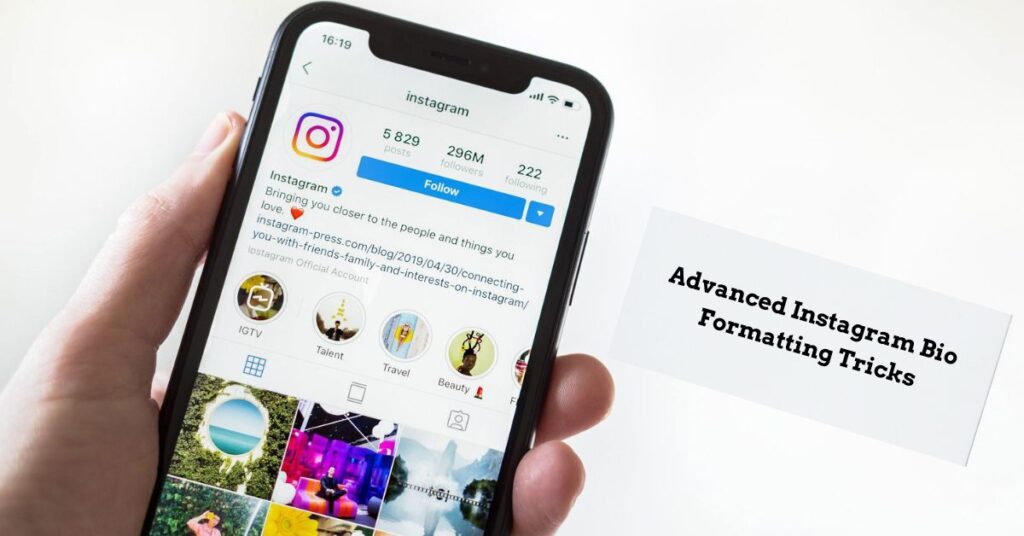
Professional visual hierarchy transforms ordinary bios into compelling profile showcases through strategic information organization. Start with your primary identifier (name or business), followed by your profession or value proposition, then contact information or call-to-action elements.
Each section should occupy its own line, creating a logical flow that guides readers through your key details systematically.
Multi-location businesses benefit significantly from line break organization when displaying multiple addresses, phone numbers, or service areas. Instead of cramming everything into a single line, separate each location with dedicated lines, making it easy for local customers to identify relevant information quickly.
This approach works particularly well for restaurants, retail chains, or service providers operating in multiple cities.
Mobile vs Desktop Bio Creation
Platform-specific formatting differences significantly impact how line breaks appear across devices. Creating bios on mobile devices often yields more consistent results because Instagram’s mobile app processes text formatting differently than the desktop version.
Mobile creation typically preserves line breaks more reliably, especially when combined with the Notes app technique.
Cross-platform compatibility testing becomes crucial for ensuring your bio appears correctly regardless of how users access your profile. After implementing line breaks, view your profile from multiple devices and platforms to verify formatting consistency.
Pay particular attention to how line breaks appear on older devices or different operating systems, as these variations can affect user experience.

Passionate about crafting catchy, bold, and creative Instagram bios that make profiles stand out and spark instant connection.